
 40G/100G Optical Transceivers
 25G Optical Transceivers
 10G Optical Transceivers
 155M/2.5G Optical Transceivers
 1G Optical Transceivers
 FC 16G/32G Optical Transceivers
 1G BIDI Optical Transceivers
 Dual-Rate Optical Transceivers
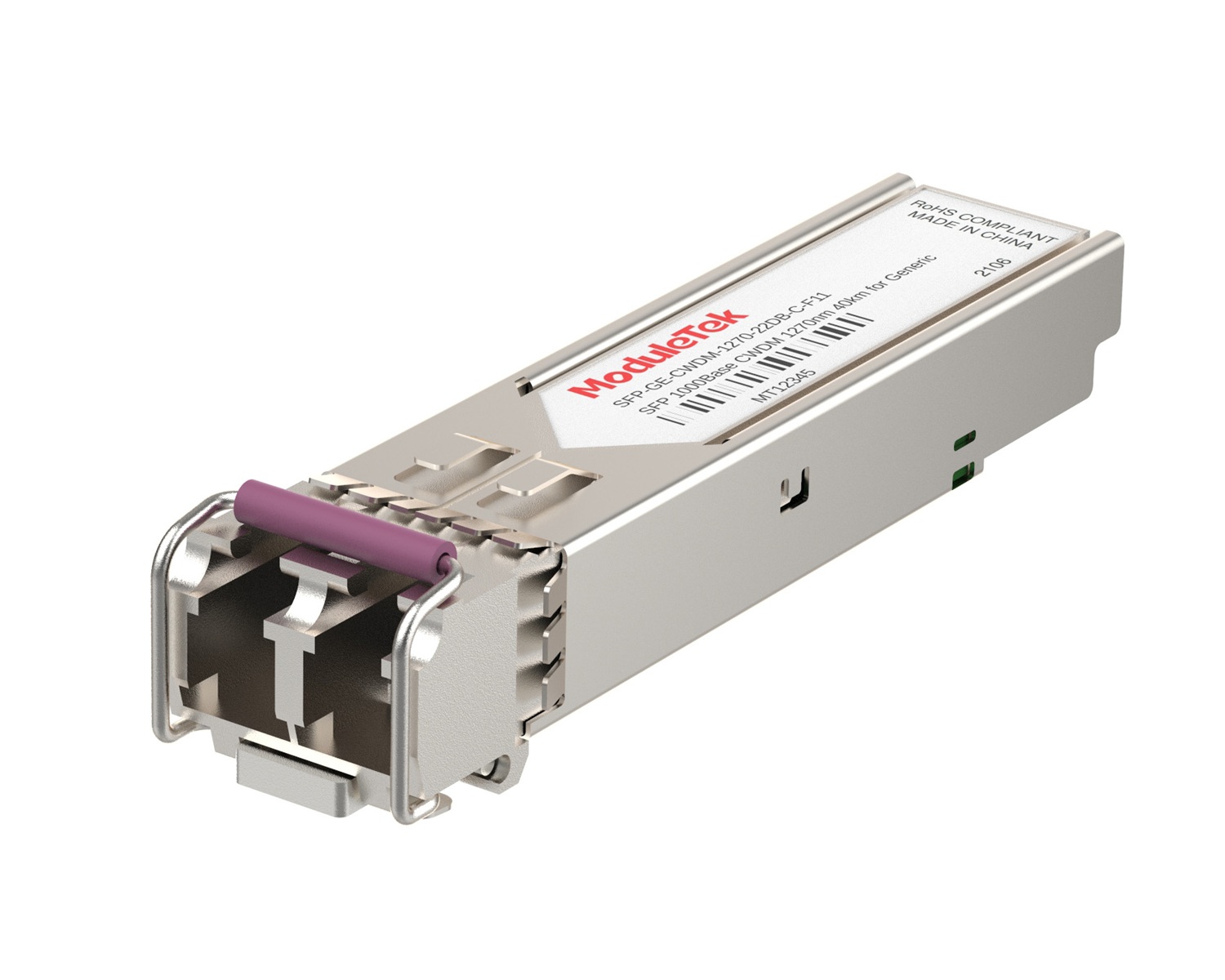 CWDM Optical Transceivers
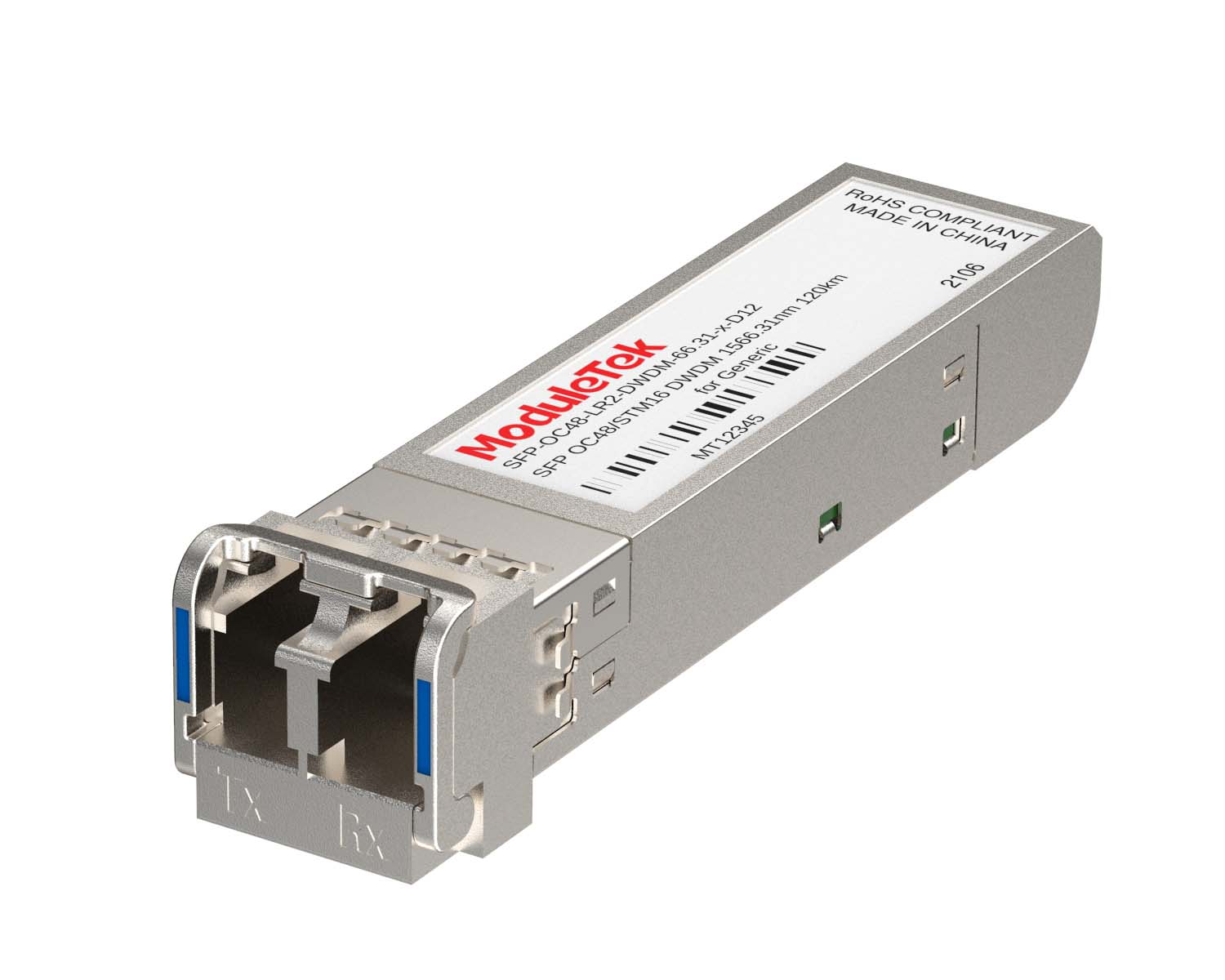 DWDM Optical Transceivers
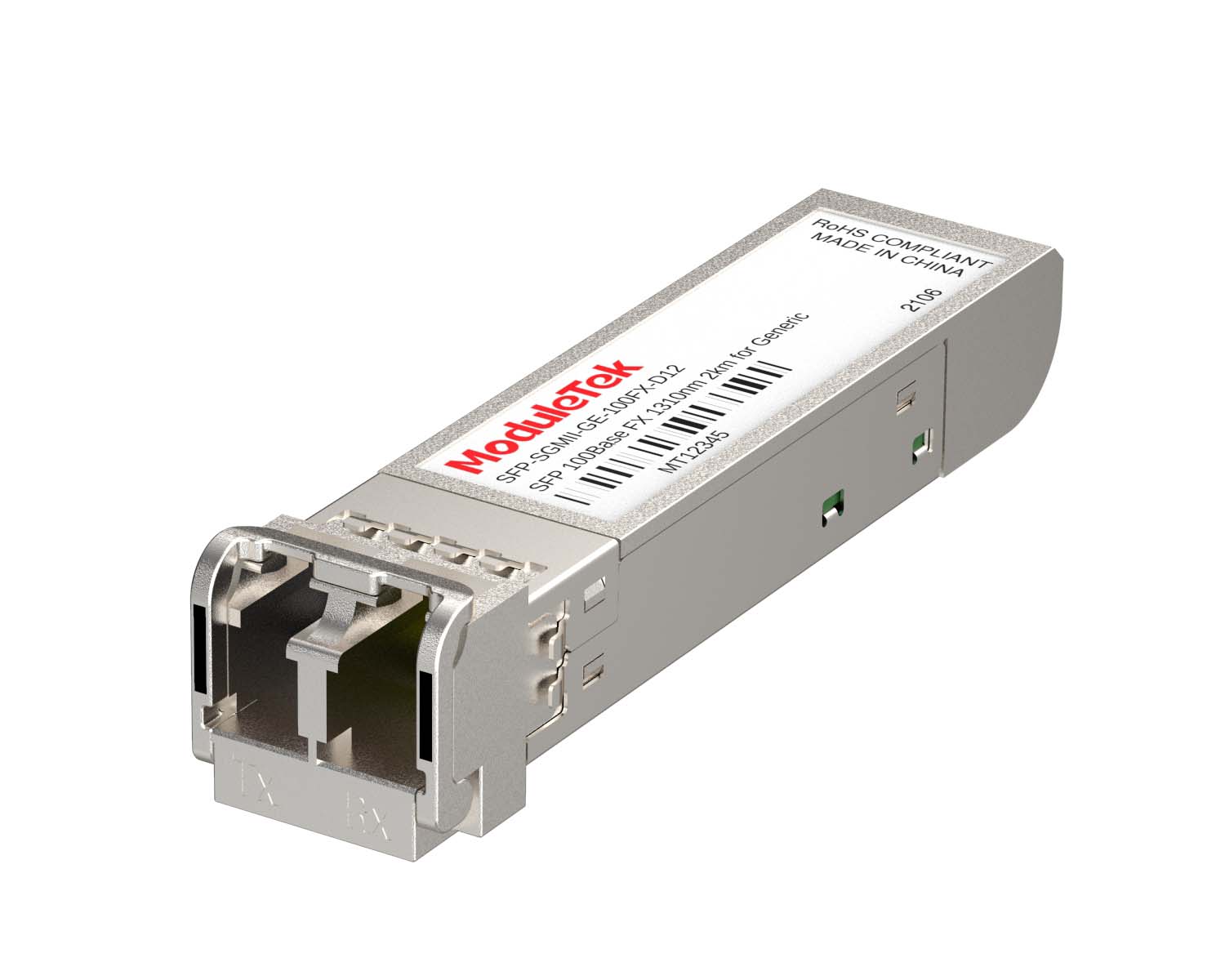 SGMII Port Optical Transceivers
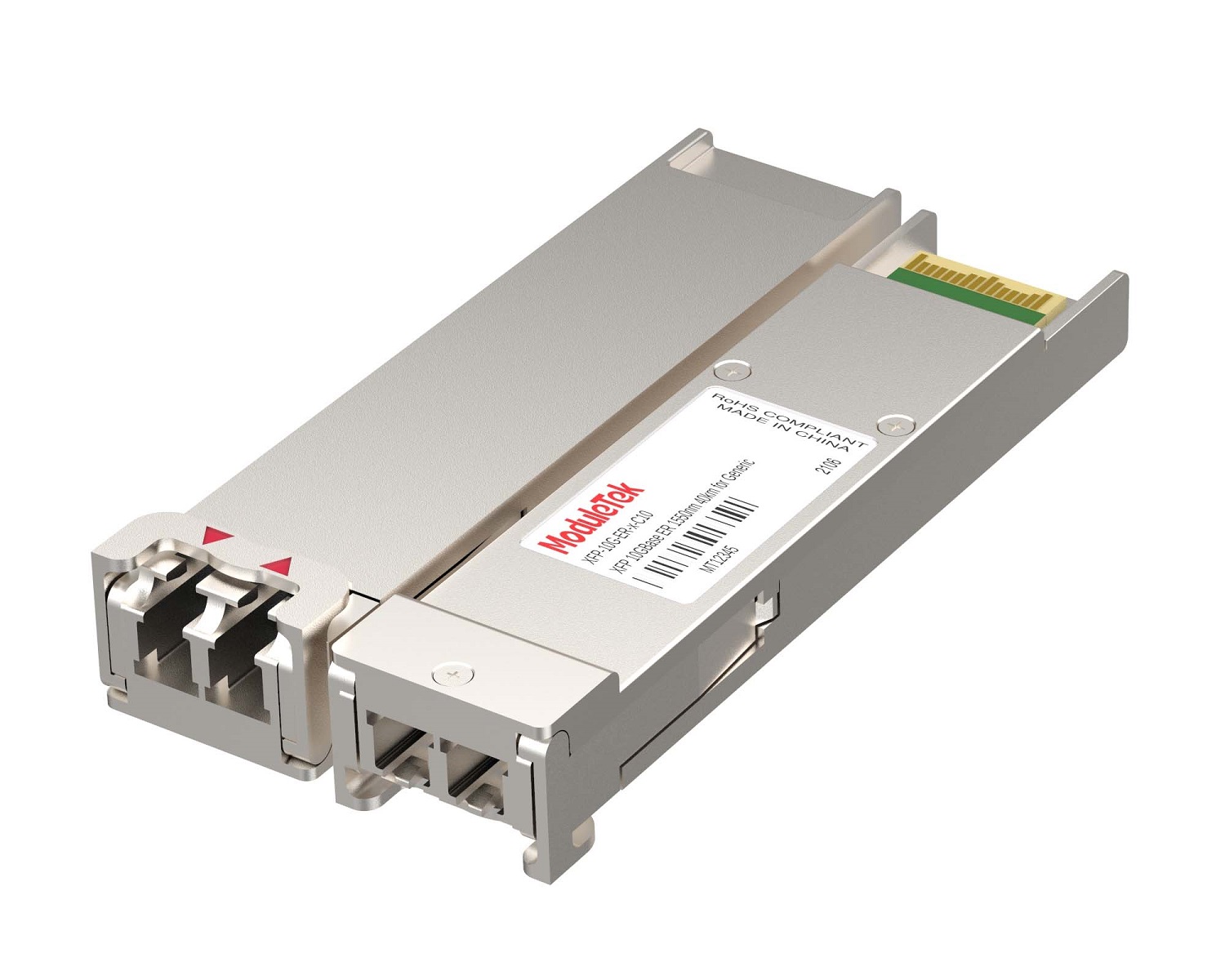 XFP Optical Transceivers
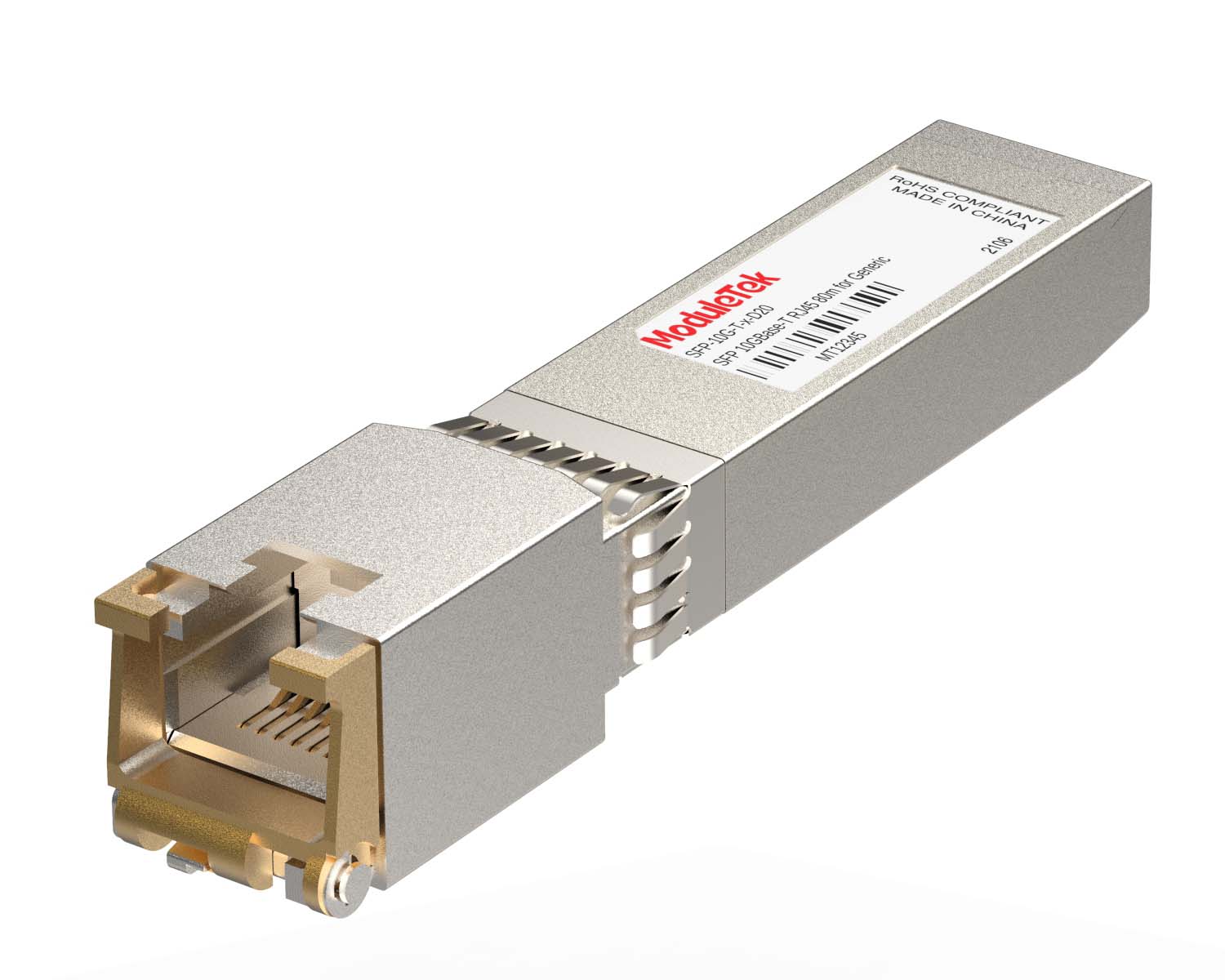 100M/1G/10G Coppers
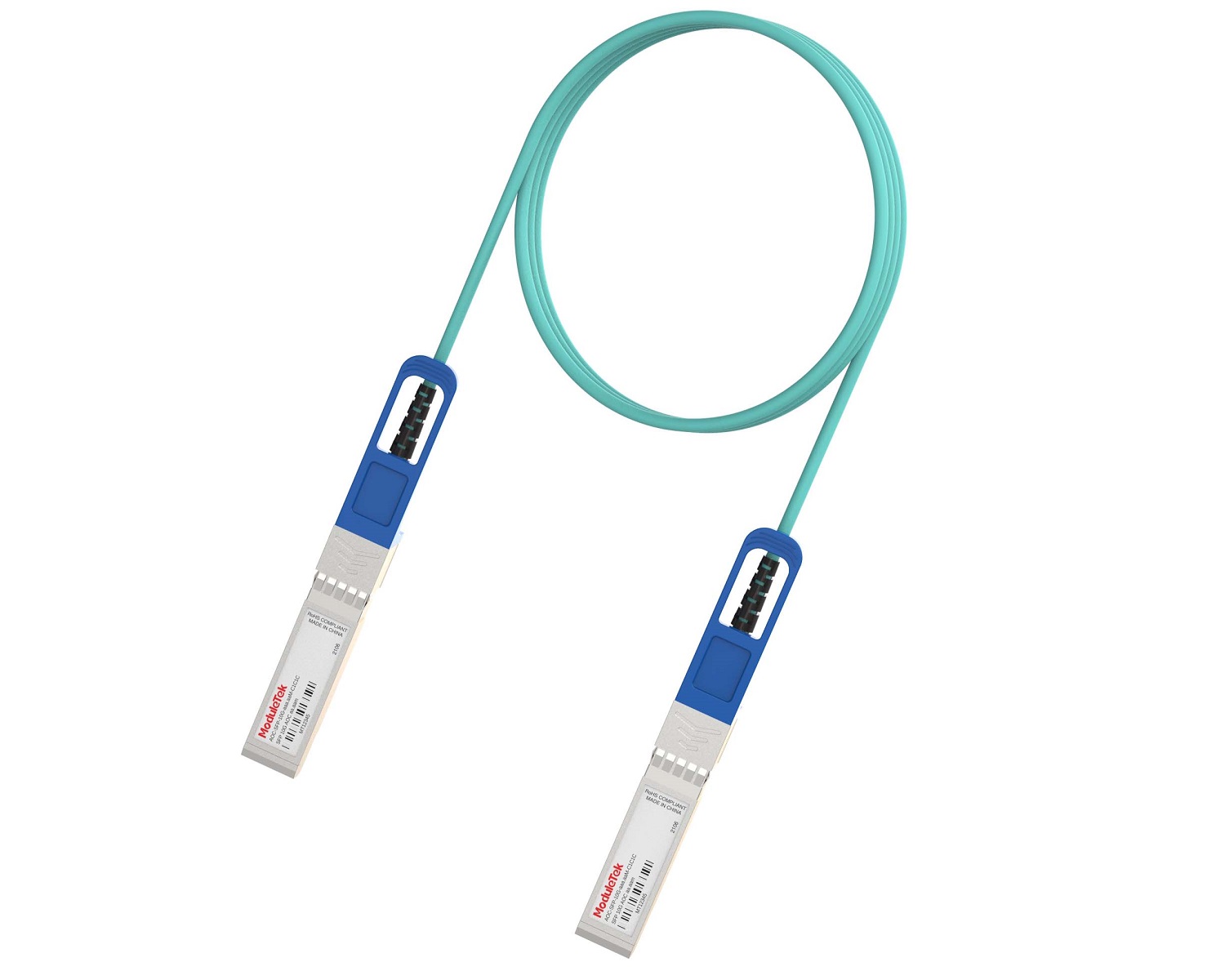 Full-Rate AOC & Breakout Series
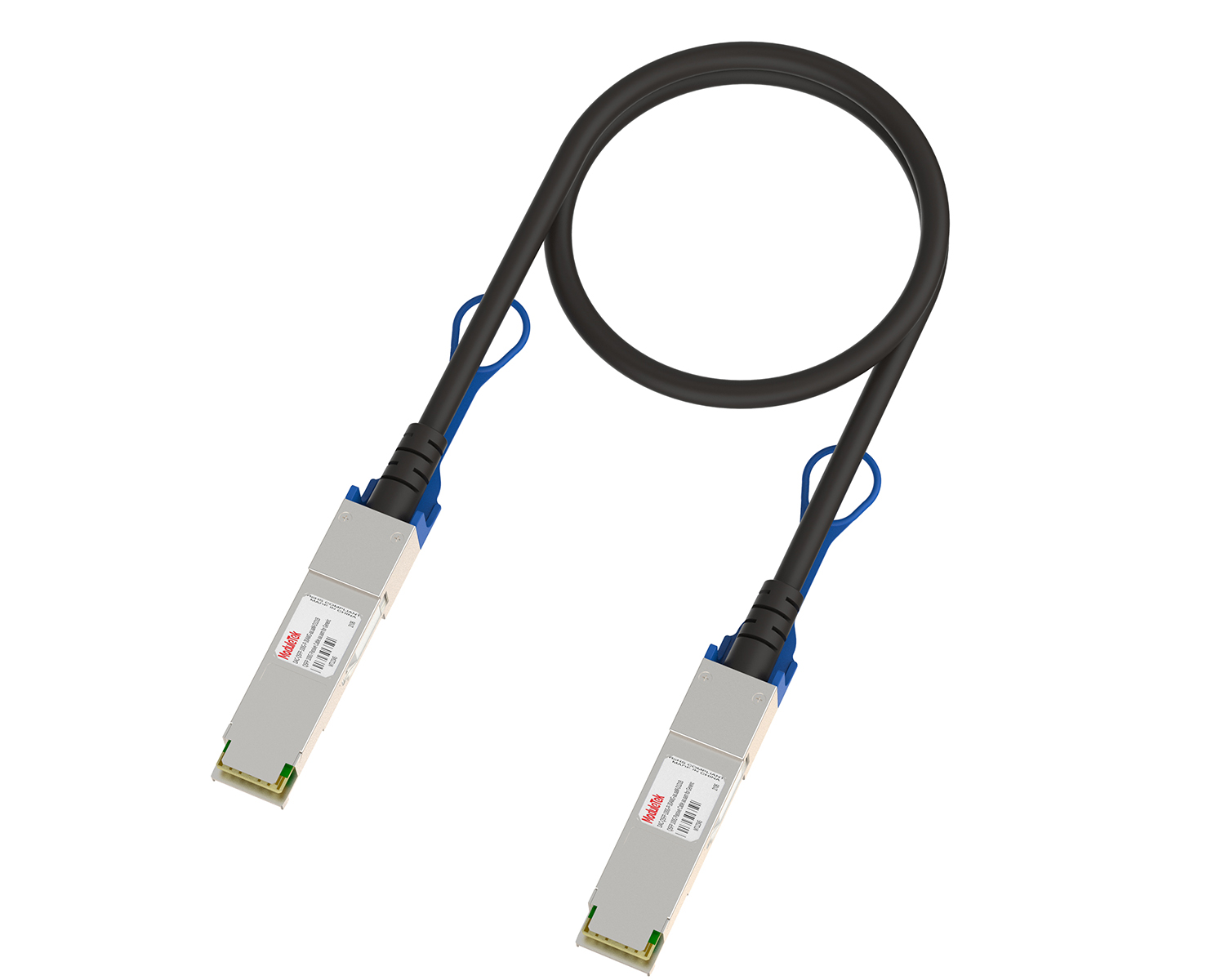 Full-Rate Passive & Active DAC Series
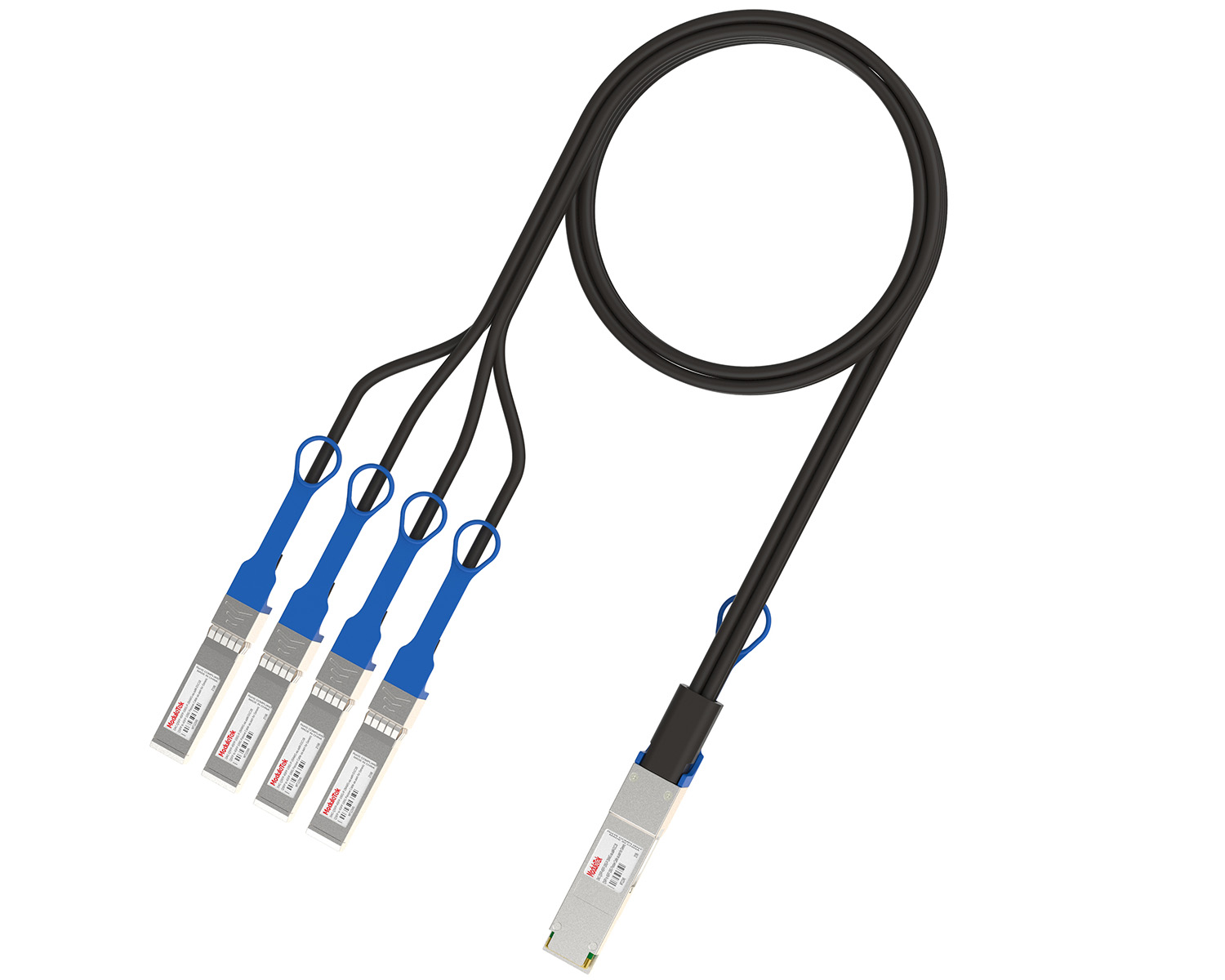 40G/100G DAC & Breakout Series
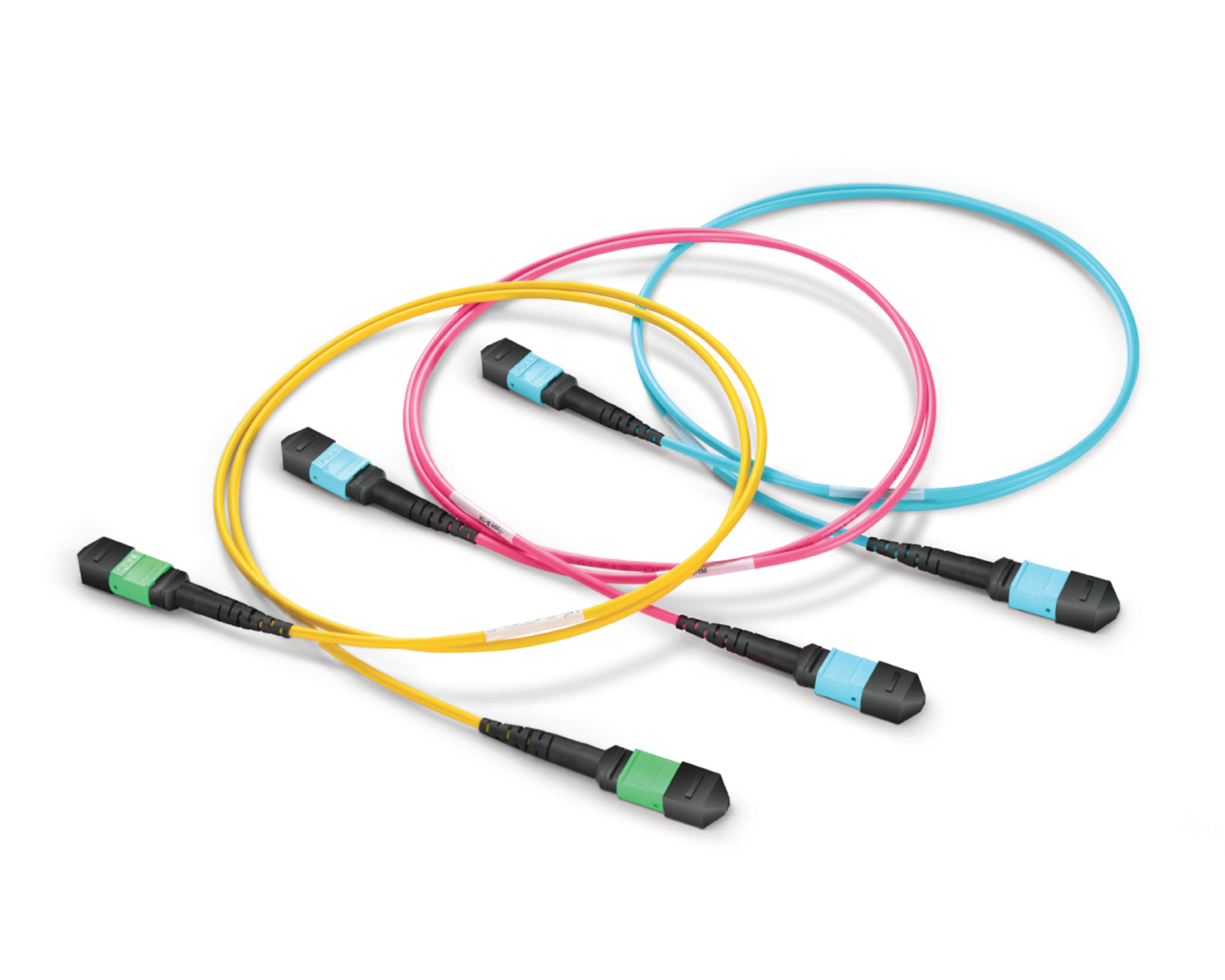 Regular/MTP-MPO Fiber Patch Cords
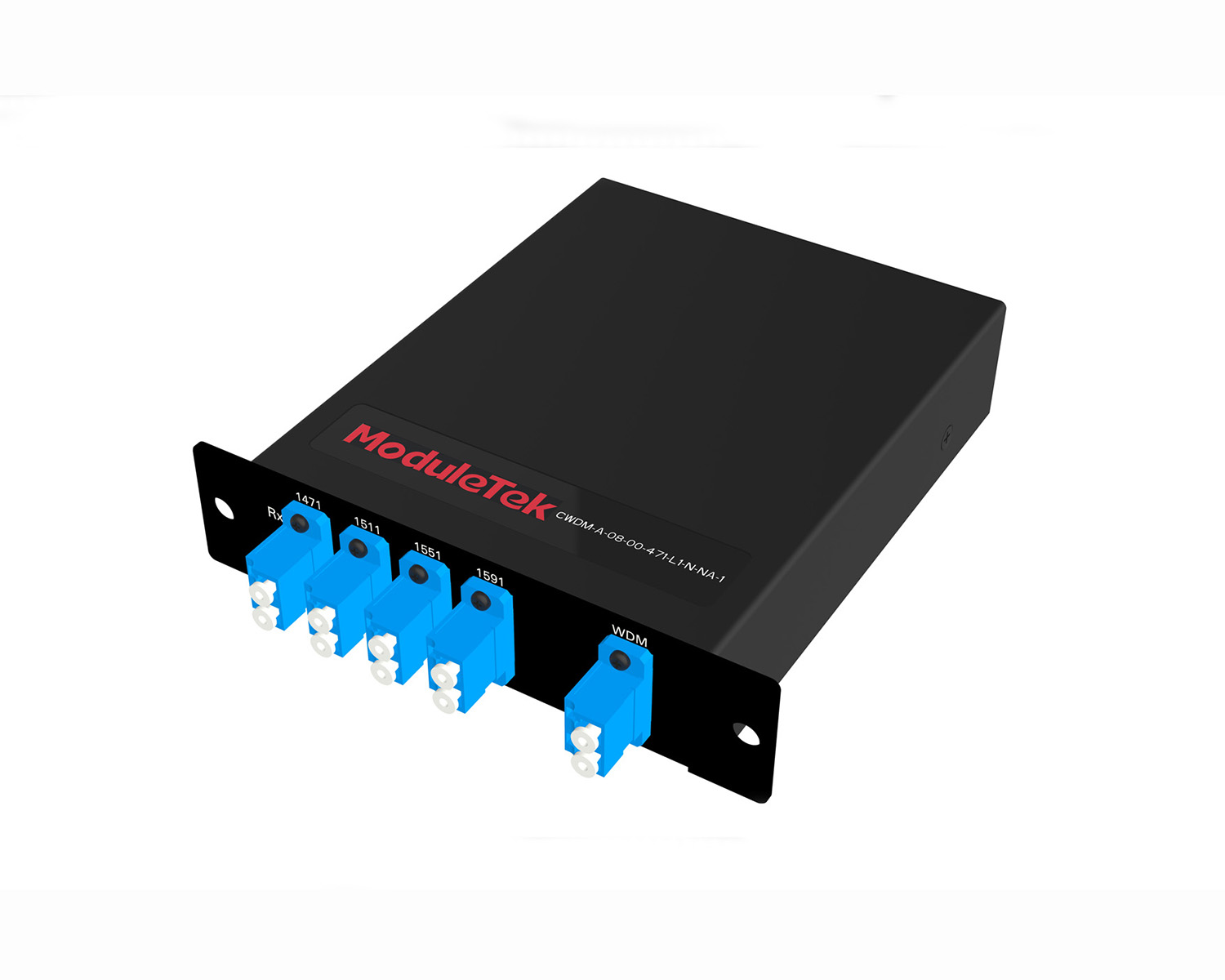 MT2011
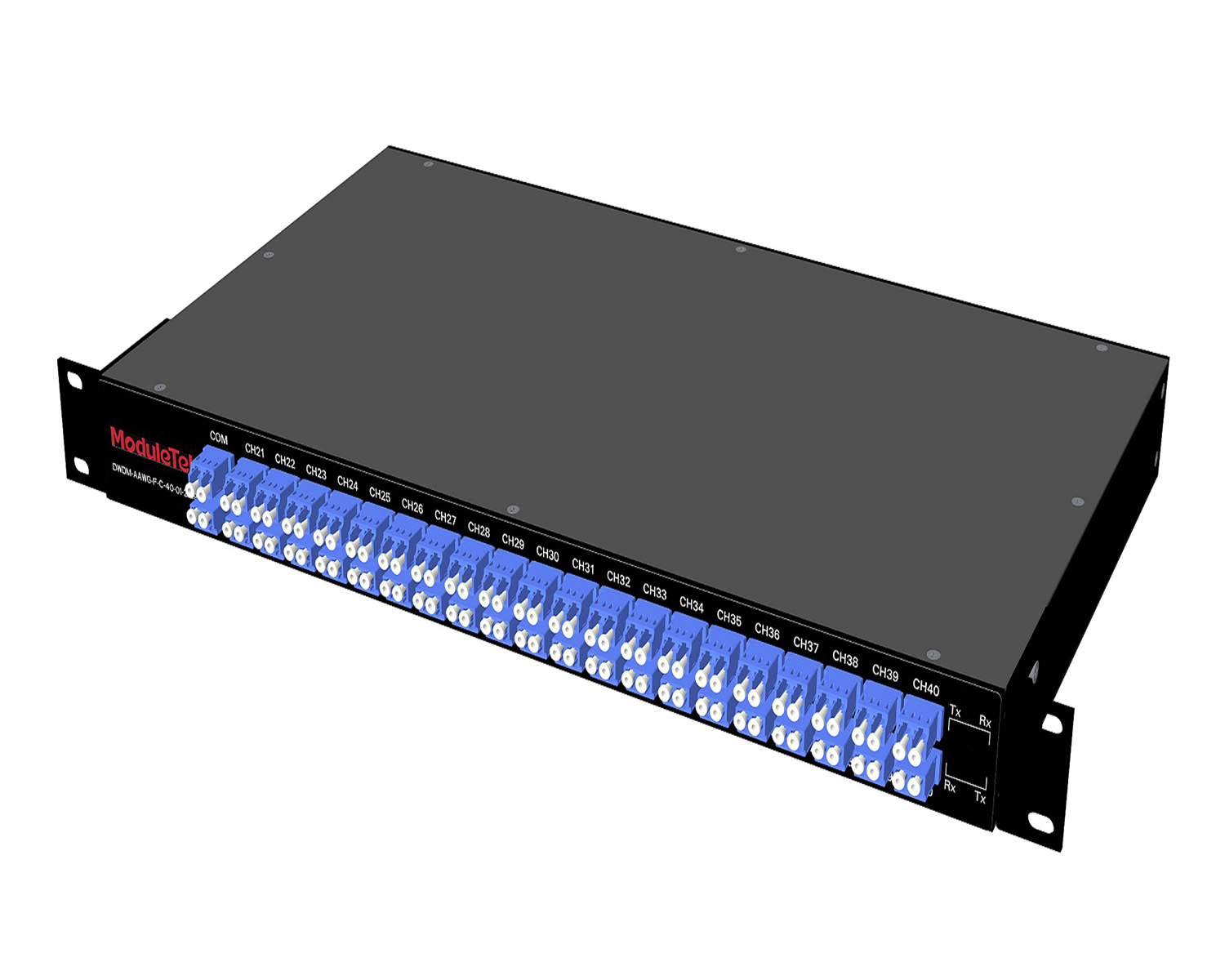 MT2010
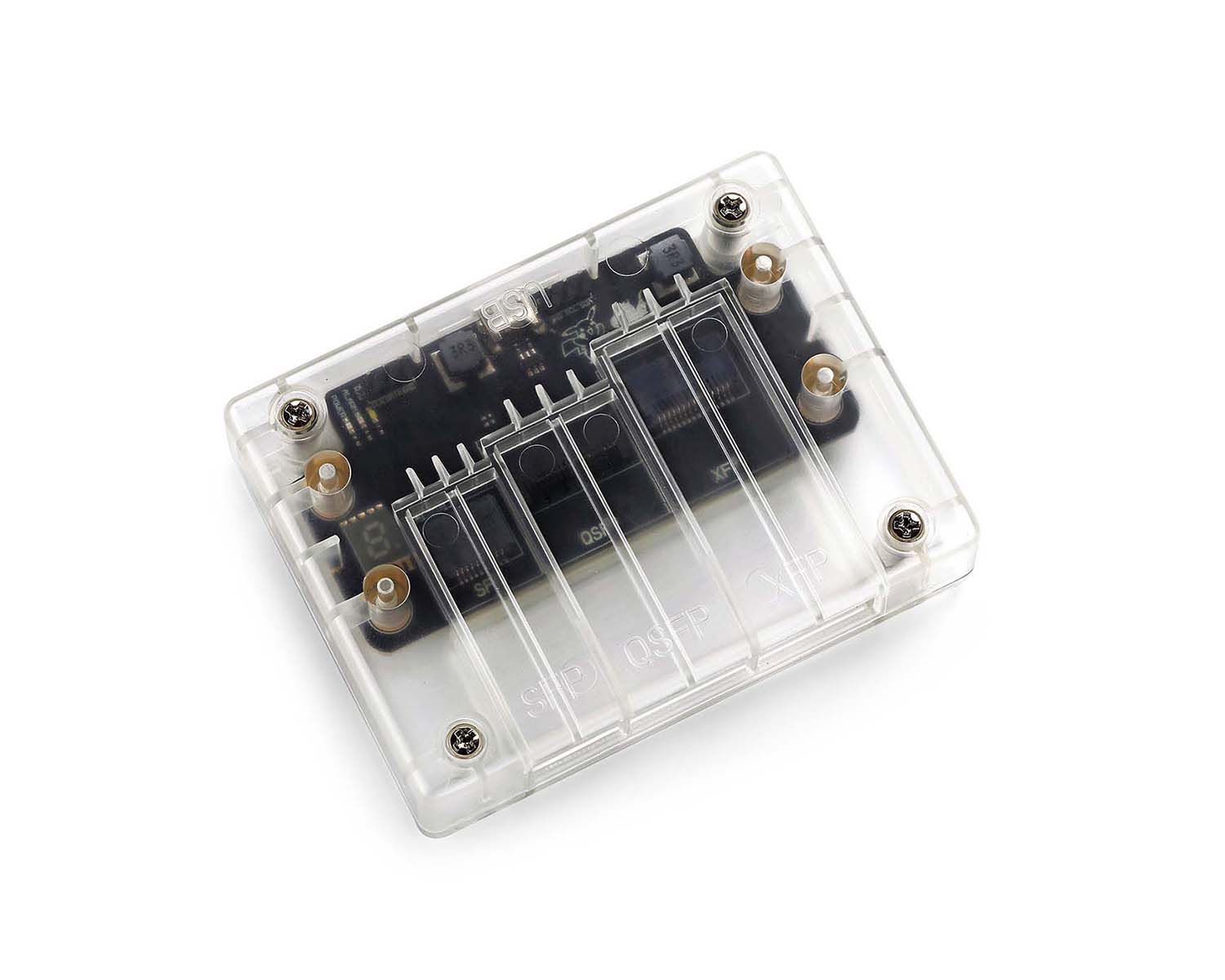 CodingBox
 QSFP to SFP Adapter
SONic System Upgrade Guide For Cisco 8102-64H-O Router
Time: 2026-03-17
Moduletek Lab provides this SONiC system upgrade guide for the Cisco 8102-64H-O Router. The system image will be uploaded via the SCP command.
This is a step-by-step upgrade procedure based on a real deployment case.
Table 1 Parameter Description
| Item |
Description
|
|
Router Model
|
CISCO 8102-64H-O
|
|
System Image Filename
|
sonic-cisco-8000.bin
|
|
Original System Version
|
SONiC.202205.3.3-7c68be04e
|
|
New System Version
|
SONiC-OS-202411.1.2.0
|
|
Router Management Port IP
|
192.168.10.29/24
|
|
Local Server IP
|
192.168.10.1/24
|
|
Local Server Username
|
root
|
Note: Router system software download URL: https://software.cisco.com/download;
1. Configure the IP address of the router management interface using the command config interface ip add interface-name address. In this demo, configure the router management IP as 192.168.10.29/24; the local server IP is 192.168.10.1/24. After configuration, use show management_interface address to verify the settings.
2. Connect the router management port to the local server Ethernet port using a network cable. The system image is stored on the server at /opt/sonic-cisco-8000.bin. On the router, run scp ;user@ip-address:image-path /tmp and enter the password when prompted to upload the image to /tmp.
3. Install the new image with the command sonic-installer install /tmp/sonic-cisco-8000.bin. Note: This command must be run as an admin/root user.
4. After installation, use sonic-installer list to verify the new image. You should see SONiC-OS-202411.1.2.0 in the Next: field. Reboot the router with the reboot command.
5. After reboot, the router restores the default password: password. Use show version to confirm the system has been upgraded.
6. To roll back to the previous version, select the desired system image from the boot menu during router startup.
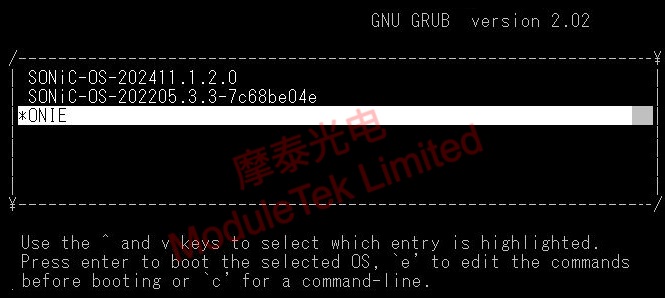
Figure 1 Router Software Version Switching
Moduletek Optoelectronics serves you wholeheartedly.
If you have any questions about the above content, please contact us via email: sales@moduletek.com