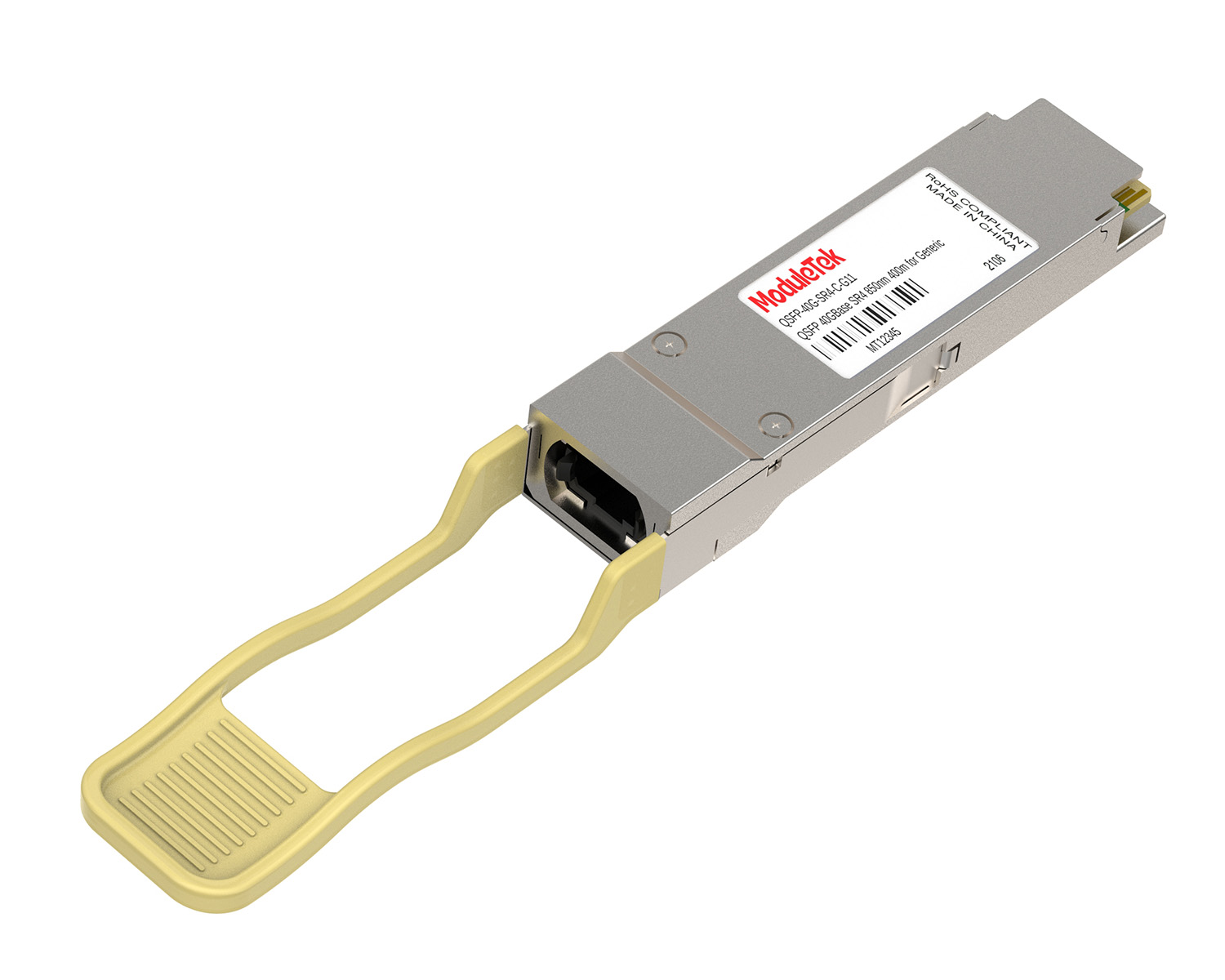
 40G/100G Optical Transceivers
 25G Optical Transceivers
 10G Optical Transceivers
 155M/2.5G Optical Transceivers
 1G Optical Transceivers
 FC 16G/32G Optical Transceivers
 1G BIDI Optical Transceivers
 Dual-Rate Optical Transceivers
 CWDM Optical Transceivers
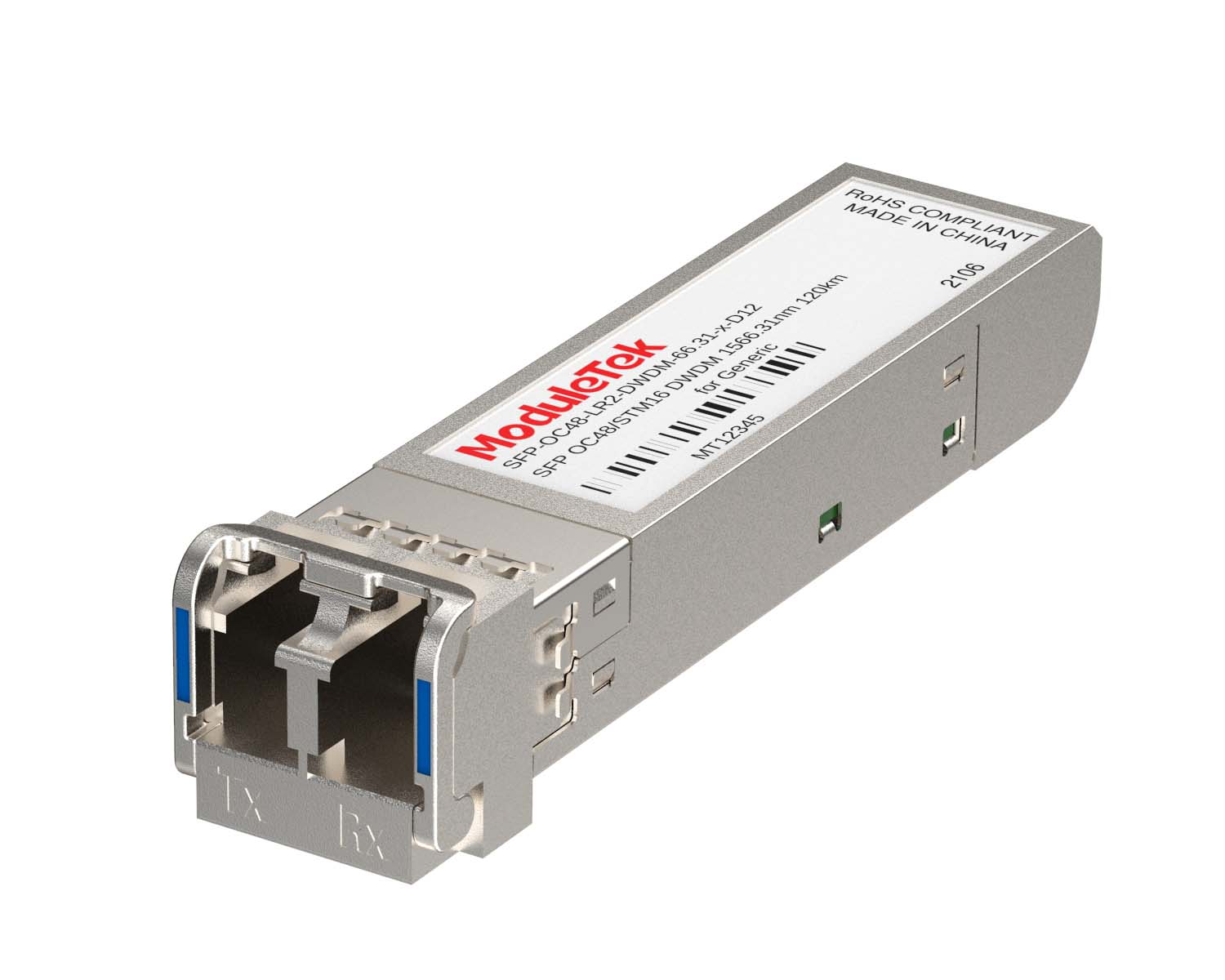 DWDM Optical Transceivers
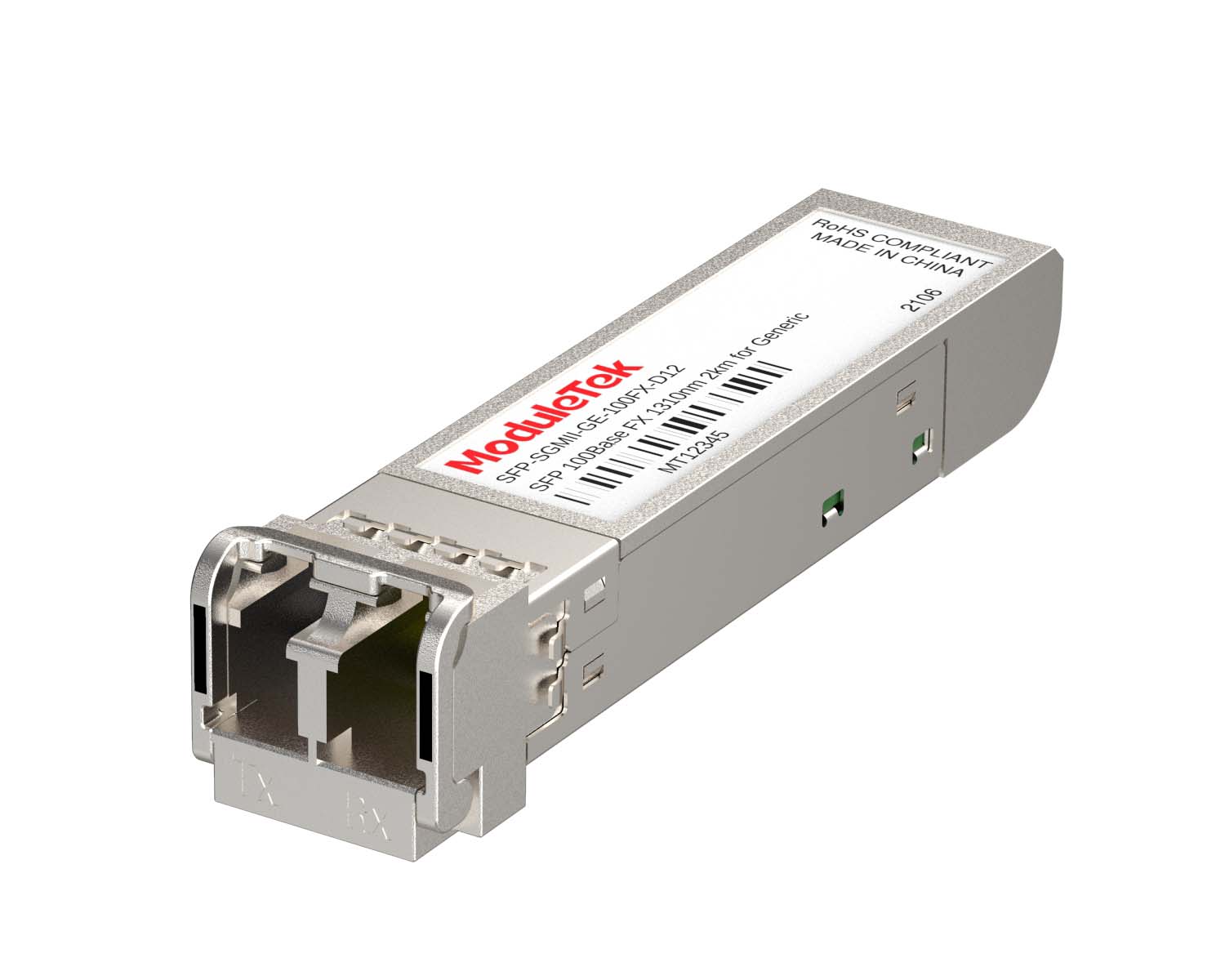 SGMII Port Optical Transceivers
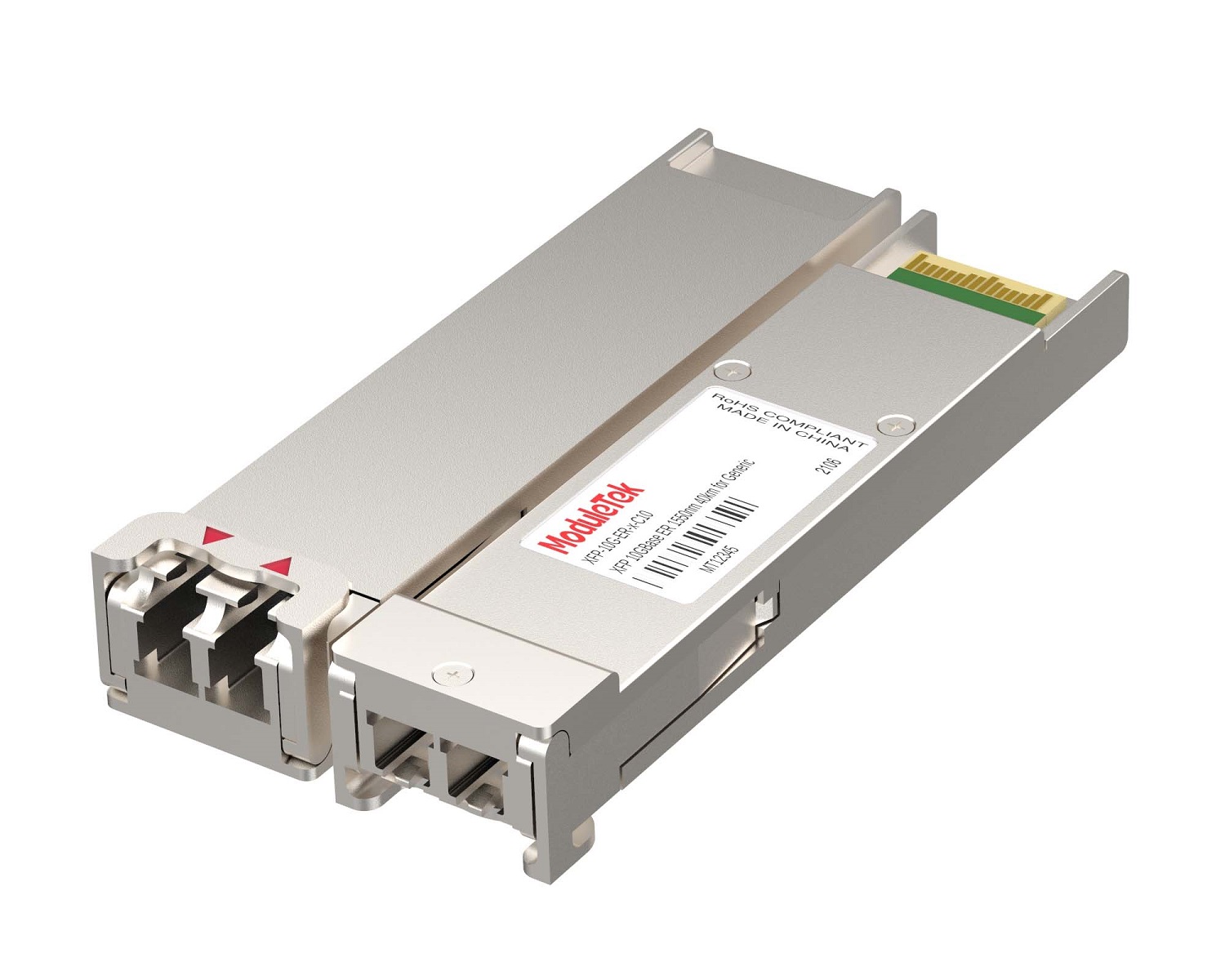 XFP Optical Transceivers
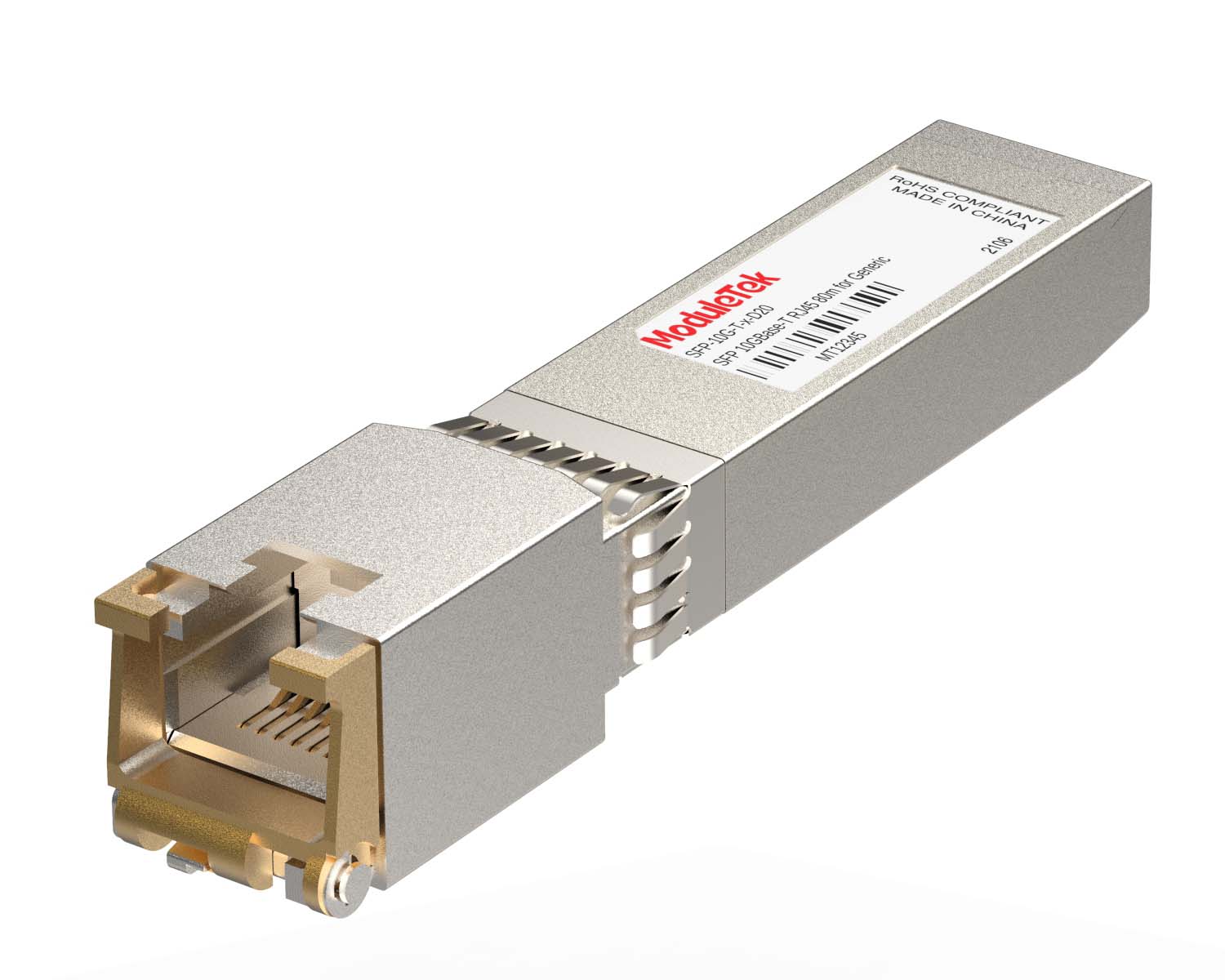 100M/1G/10G Coppers
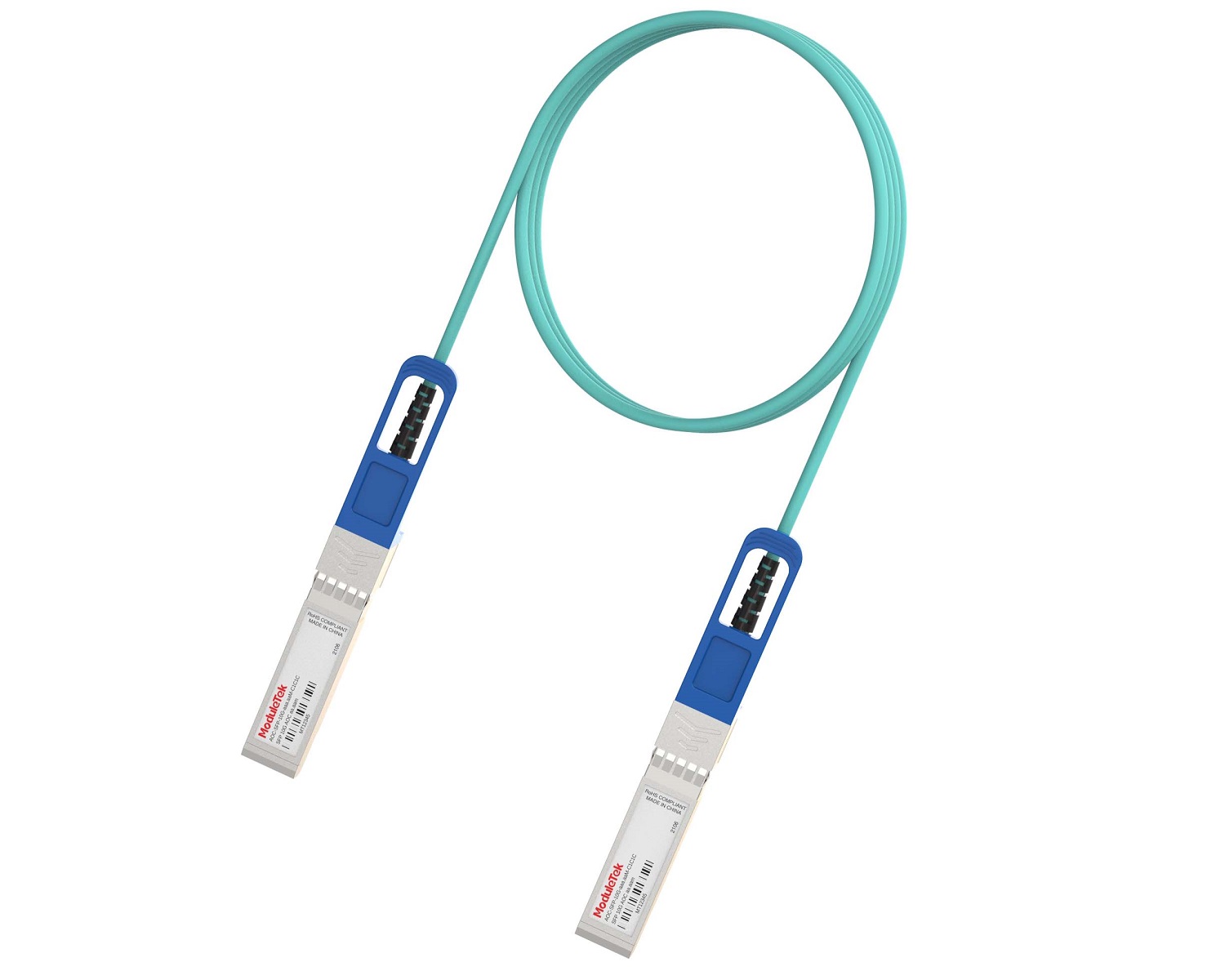 Full-Rate AOC & Breakout Series
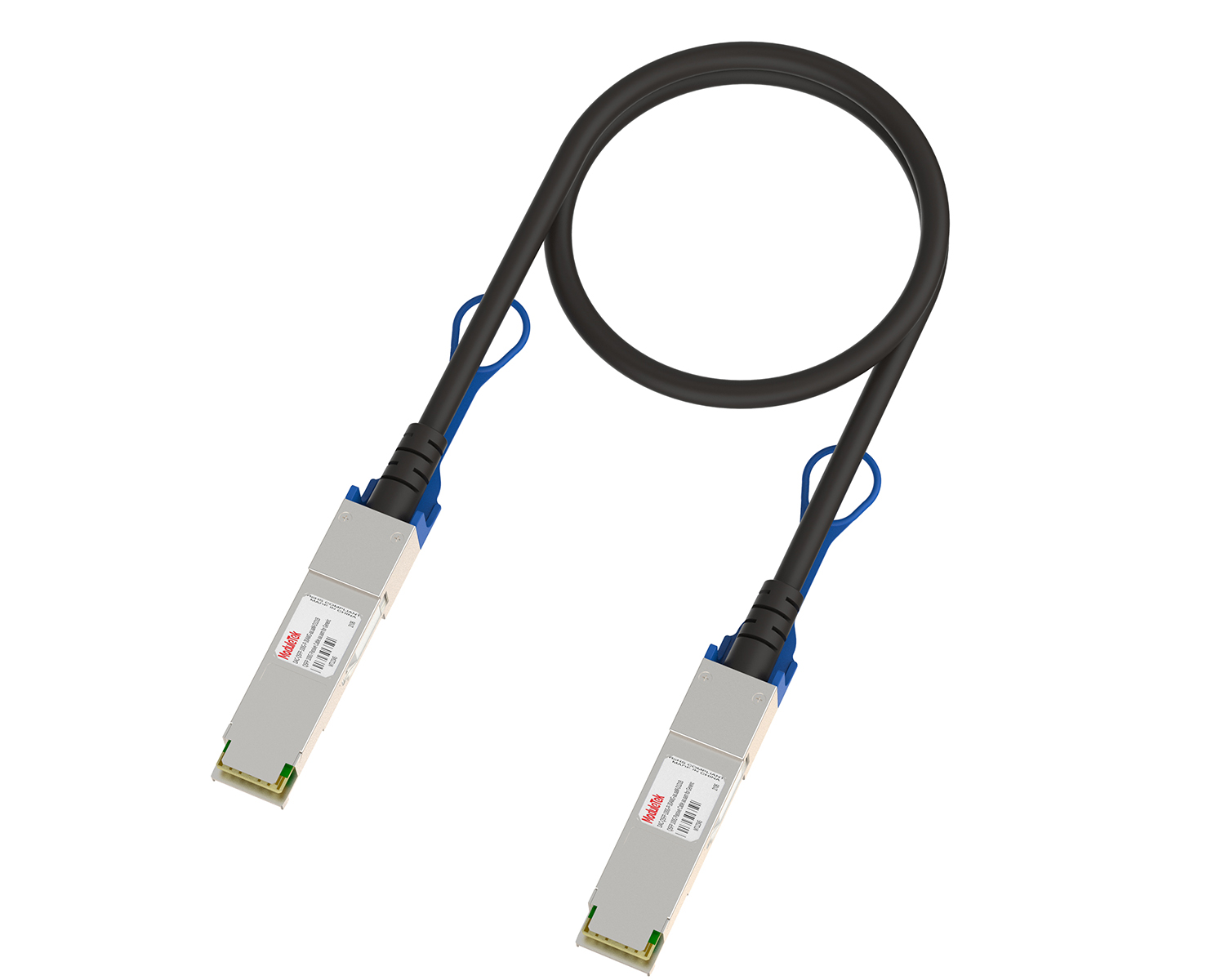 Full-Rate Passive & Active DAC Series
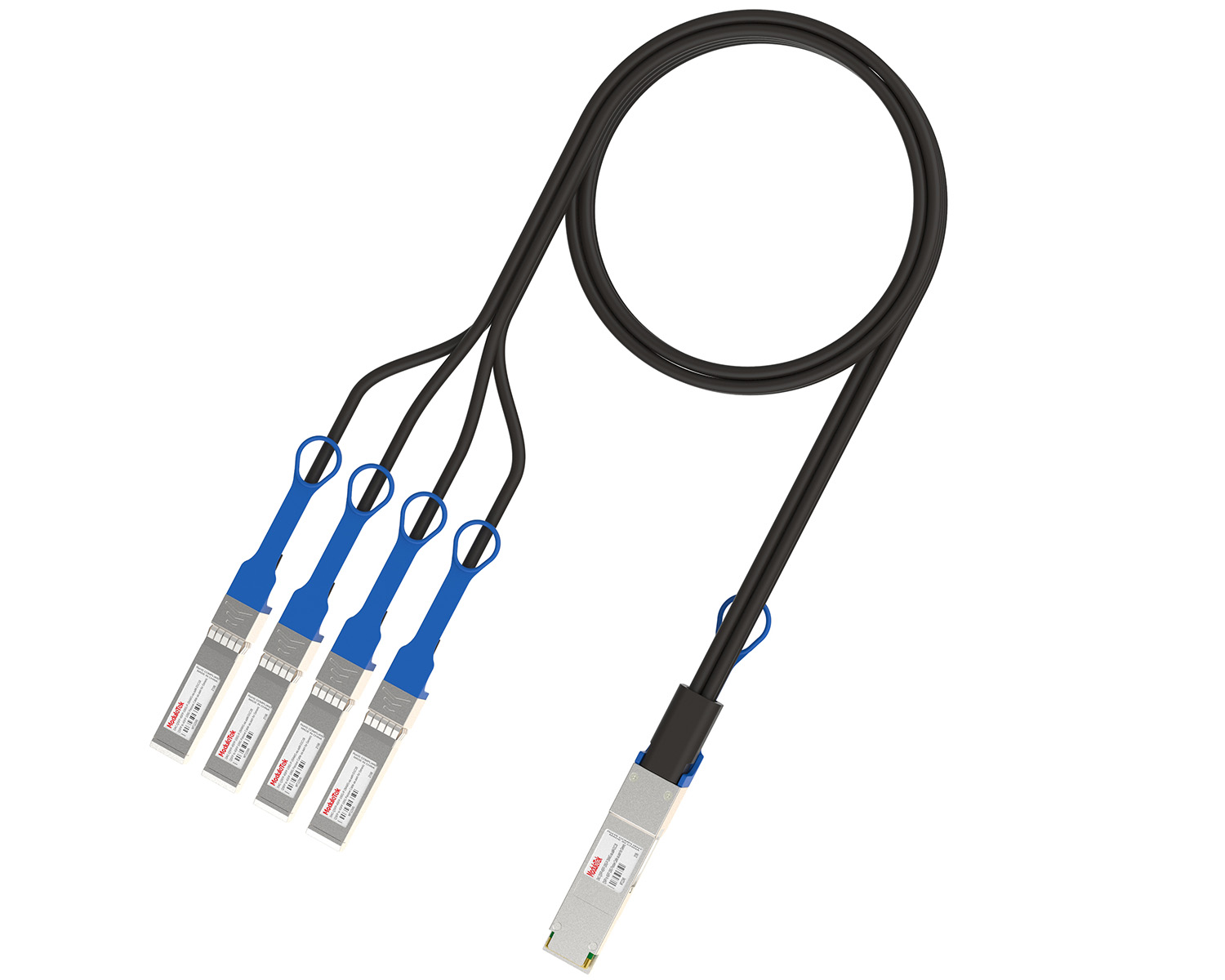 40G/100G DAC & Breakout Series
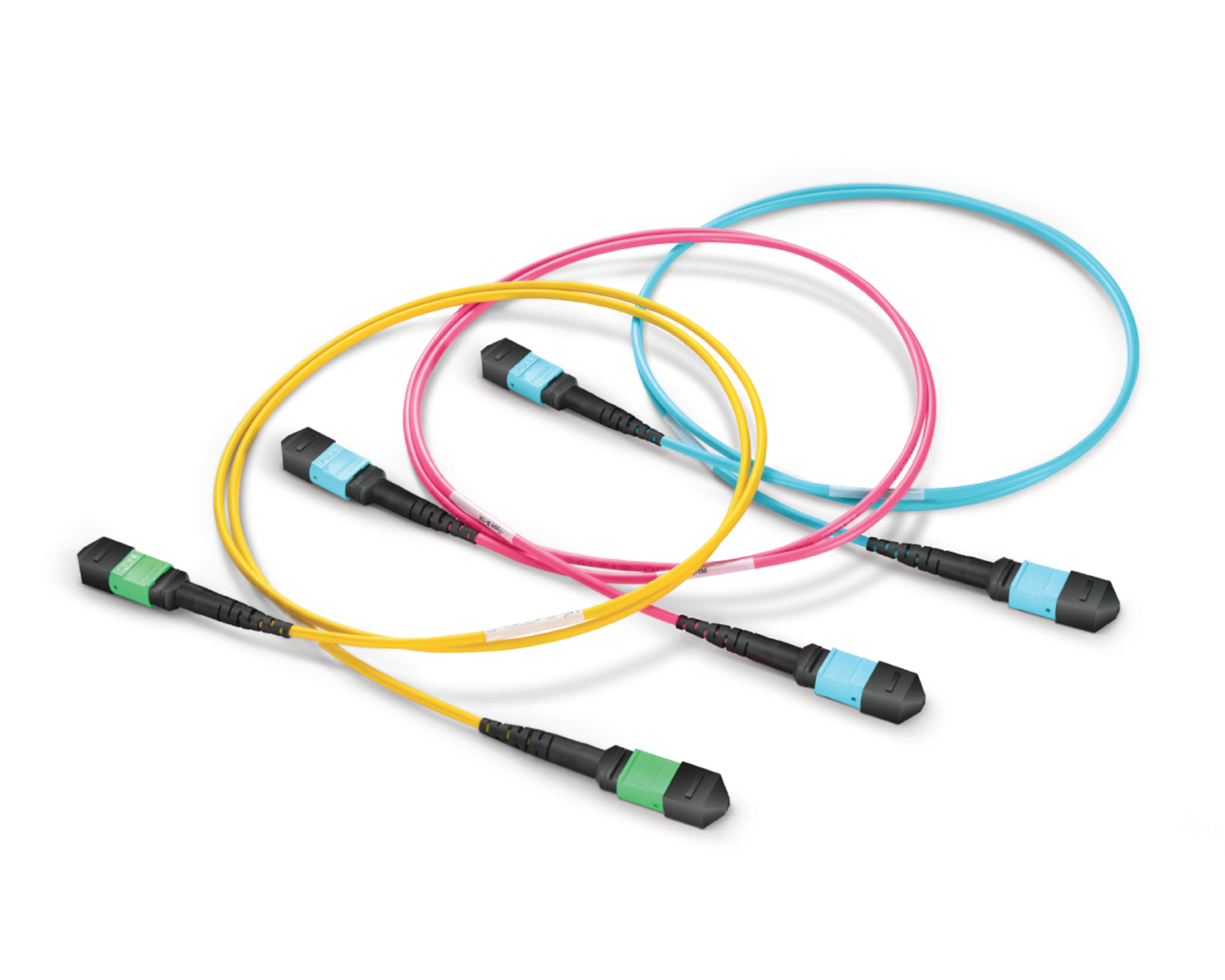 Regular/MTP-MPO Fiber Patch Cords
 MT2011
 MT2010
 CodingBox
 QSFP to SFP Adapter
 首頁 > Home > Application Notes > Configuring Port Breakout And Aggregate On The Cisco Catalyst 9500X Switch
Configuring Port Breakout And Aggregate On The Cisco Catalyst 9500X Switch
Time: 2025-09-05
Previously, we covered methods for configuring interface breakout and aggregate on various Cisco Nexus series switches. This time, using actual testing on a Cisco C9500X-60L4D switch (IOS XE Version: 17.14.01) as an example, we will demonstrate the configuration approach for breakouting and aggregating QSFP interfaces on Cisco Catalyst 9500X series switches:
1. In the initial state, QSFP interfaces are in aggregated mode. When viewing the interface, only one independent interface can be seen. The default speed is auto, and it supports configuration as 40G/100G/200G/400G speeds.
2. In global mode, execute the command "hw-module breakout port_number". This command breakouts the aggregated QSFP interfaces. There are no specific breakout mode options, and the interface adapts the speed according to the accessed module. The command takes effect immediately after execution.
There are some restrictive conditions when configuring the interface aggregation or separation mode for this series of switches, such as the software version and the odd/even number of 100G interfaces. For details, please refer to Cisco's interface and hardware component configuration guide under the corresponding software version.
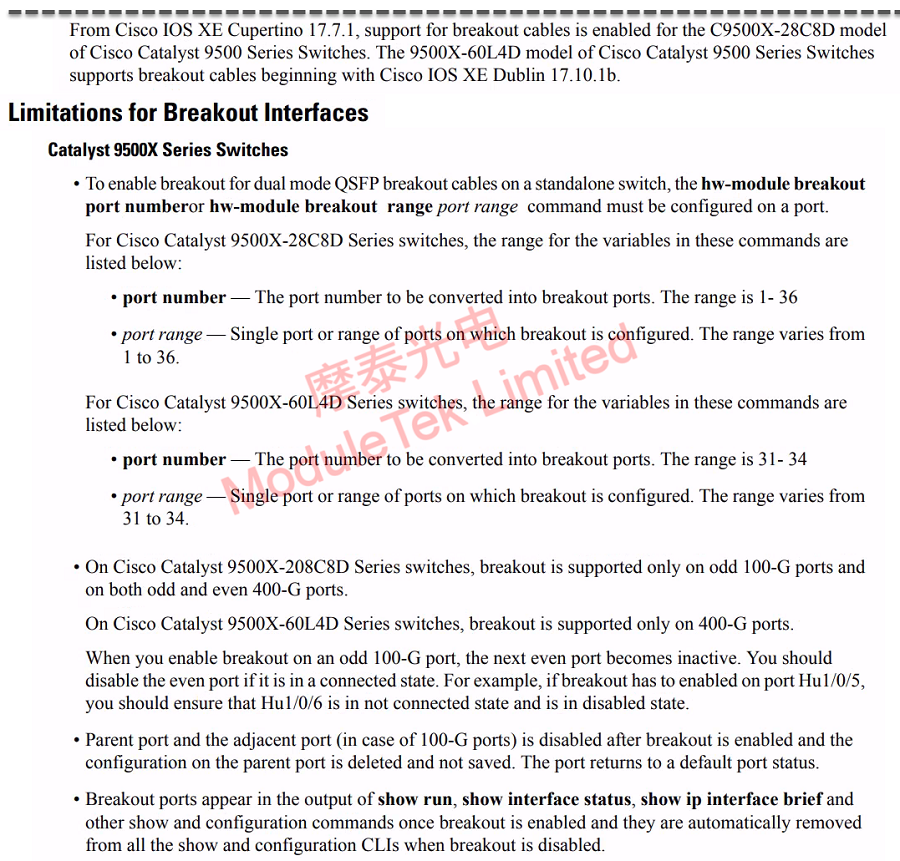
Figure 1 9500X Interface Breakout Restrictions
3. After configuring as a split interface, when viewing the interface, you can see that the originally independent single target interface becomes disabled, and 4 sub-interfaces appear.
4. In global mode, execute the command "no hw-module breakout port_number" to cancel interface breakout. At this time, the interface is merged into the initial state of the device.
ModuleTek Limited is at your service !
If you have any questions about the above content, please contact us via email: sales@moduletek.com